Location partners
Share the right view
Give approved contacts access to reports, activity, commission history, and upcoming work for their location.
Explore partner access →
One connected operation
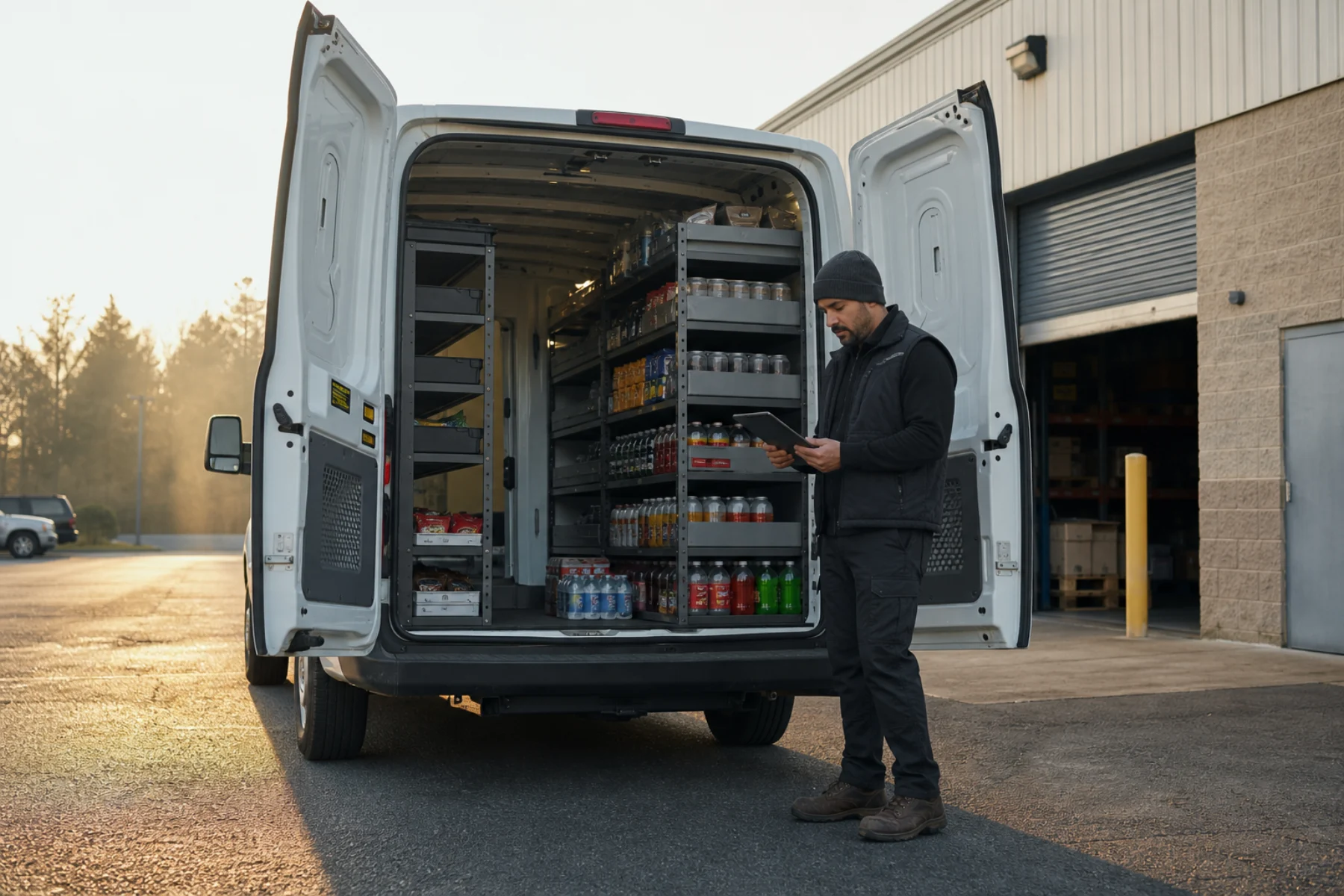
Plan routes, follow machine activity, prepare inventory, and understand performance without rebuilding the day across separate tools.

The operating picture
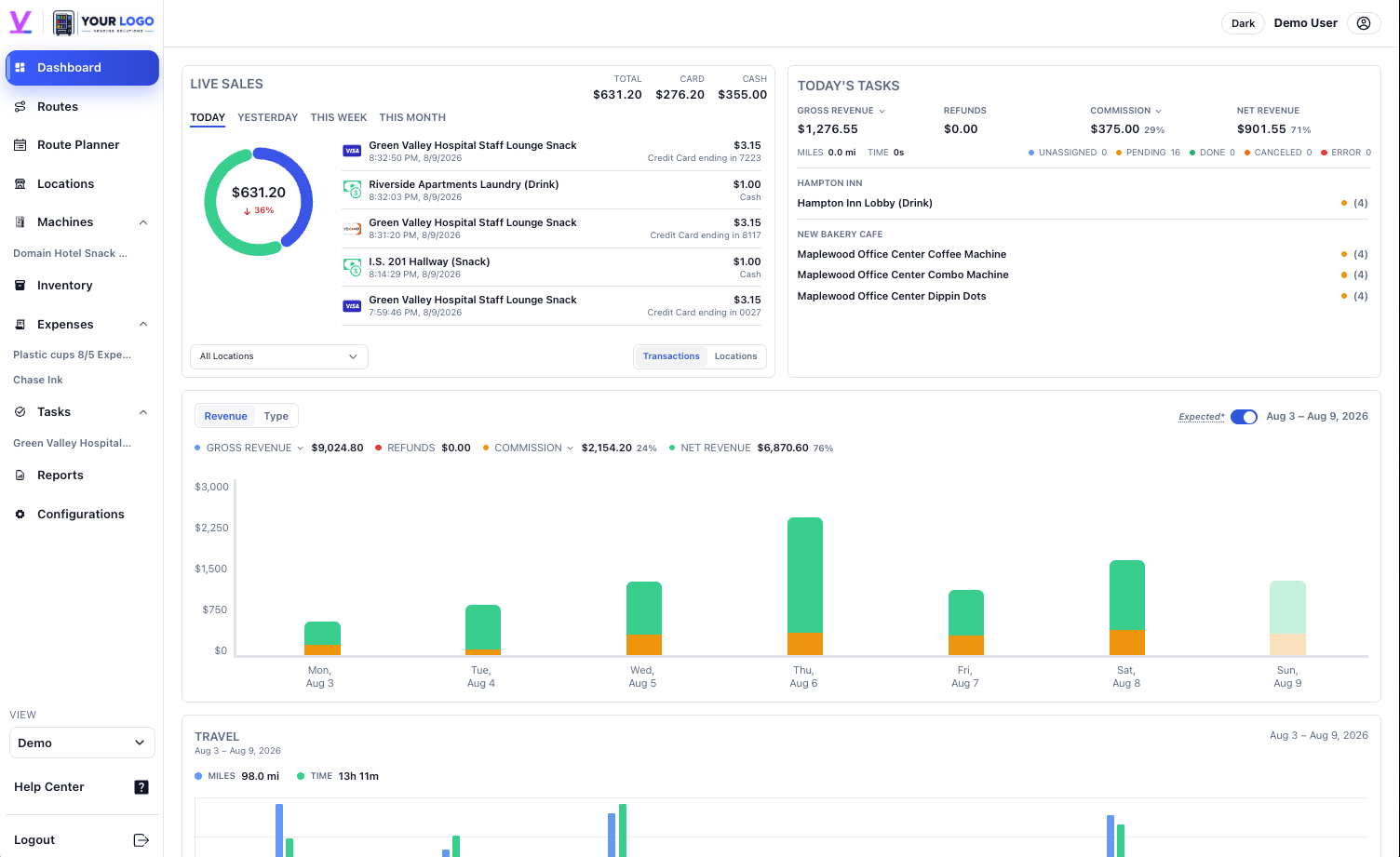
Vendistri keeps today’s work close to the sales, stock, and reporting context behind it.
Run the operation
Each view starts with a useful signal. Open it for the supporting operational detail.
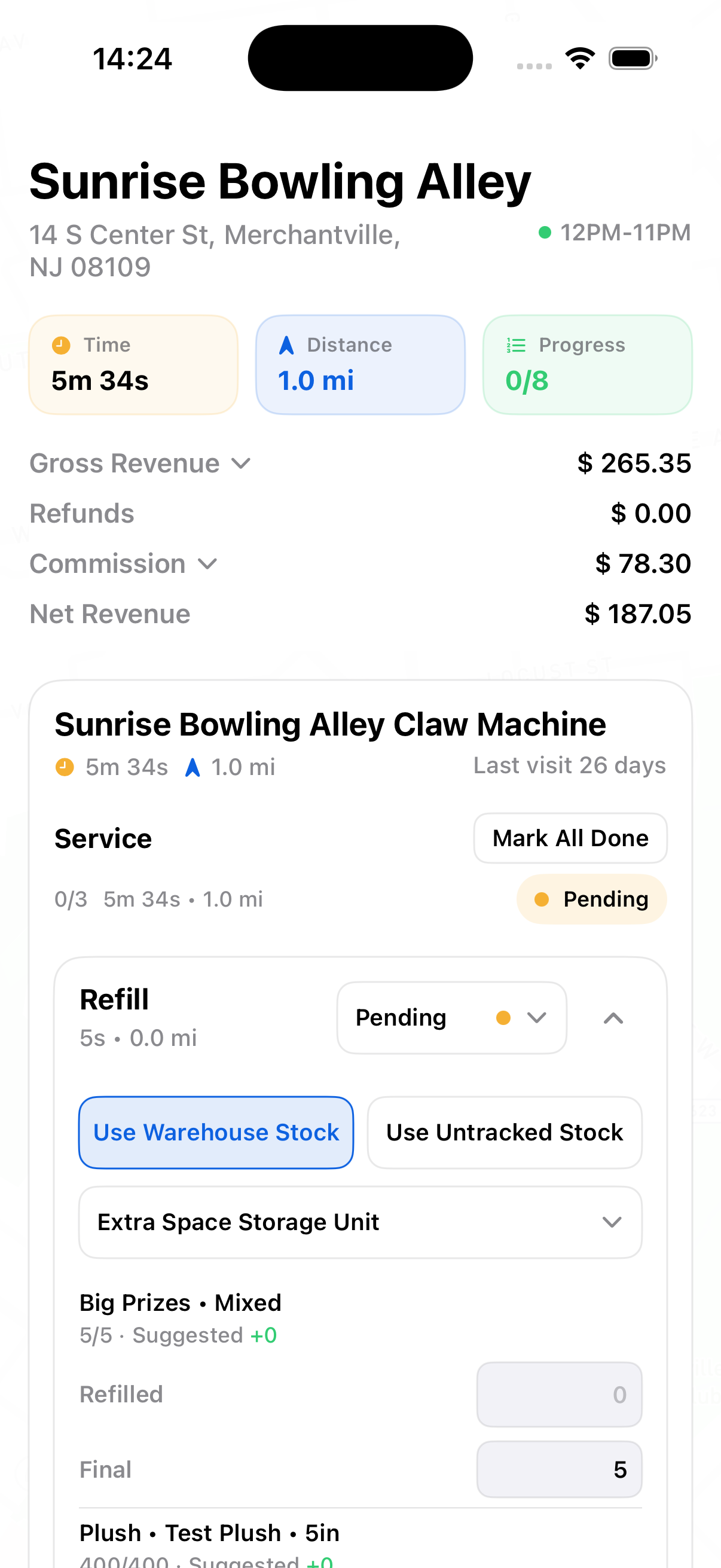
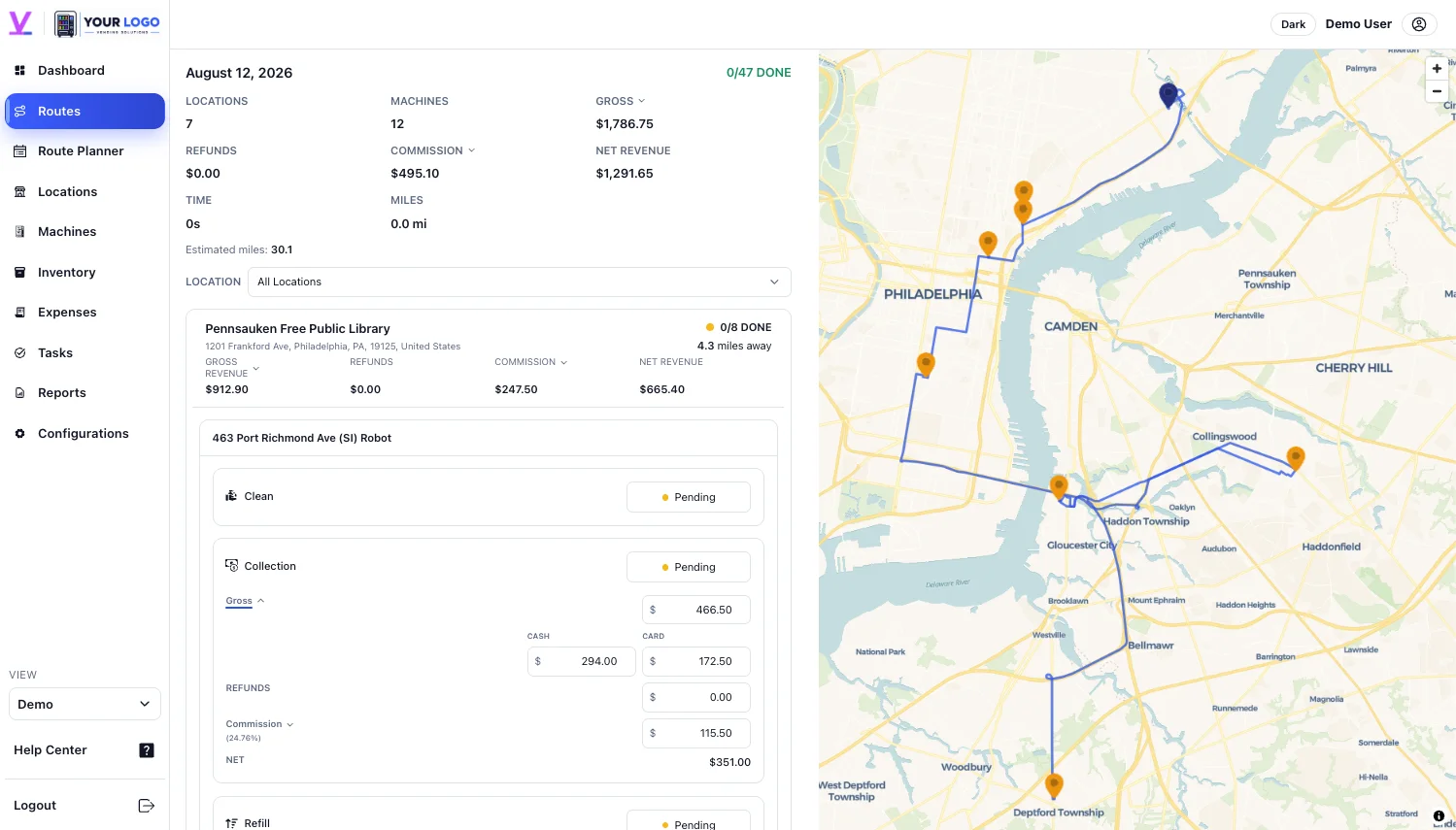 Routes & schedulingBuild a service day operators can run
7 stops · 42 miles
Routes & schedulingBuild a service day operators can run
7 stops · 42 miles
Batch locations around service needs, location hours, mileage, time, and operator assignments.
Explore routes → Sales & telemetrySee activity while it is happening
VISA
Main Lobby Vending Machine
$5.15Credit Card ending in 1749
Sales & telemetrySee activity while it is happening
VISA
Main Lobby Vending Machine
$5.15Credit Card ending in 1749
Compare supported cash and card activity by machine, location, and time without merging exports.
Explore live sales →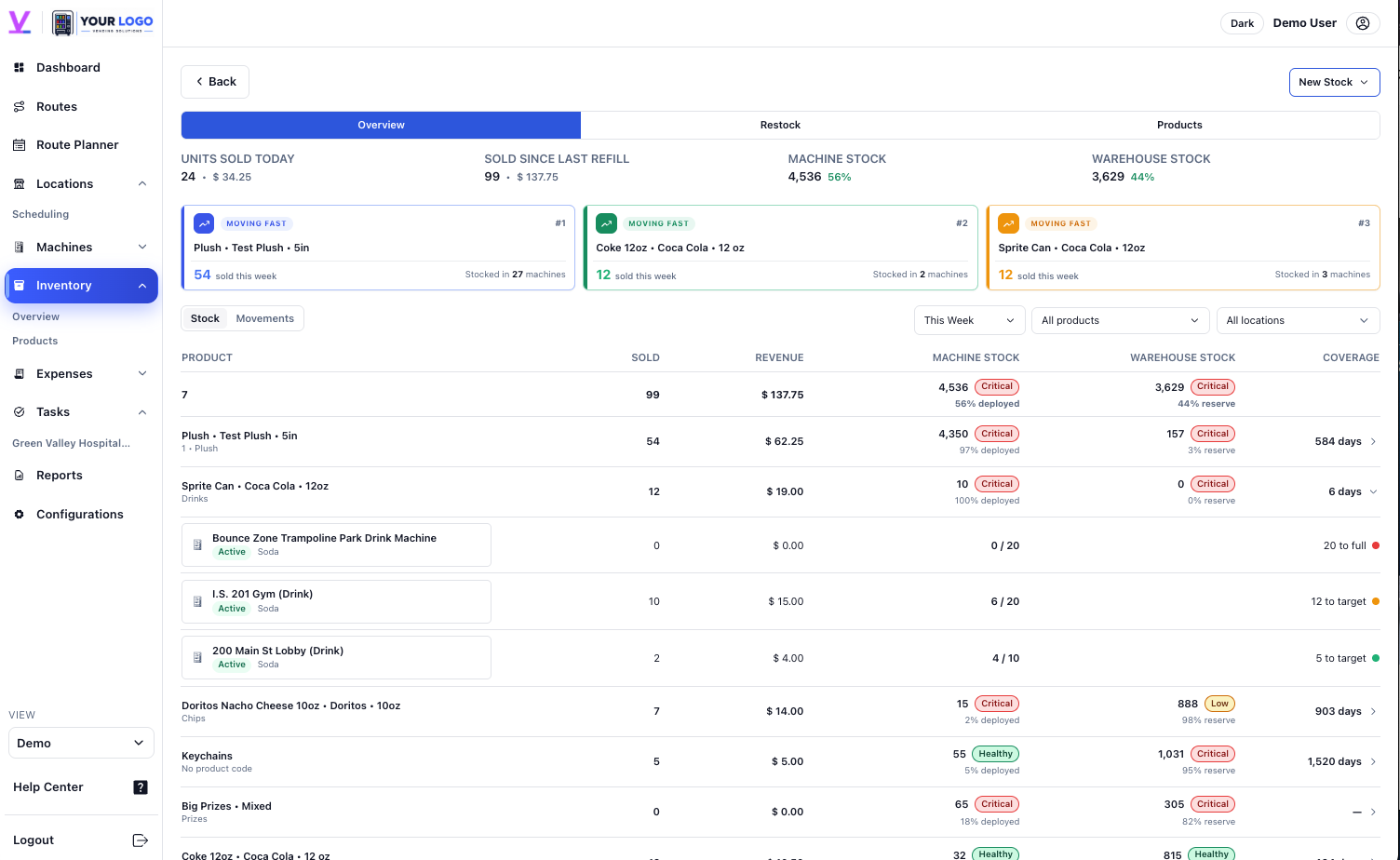 Machines & inventoryKnow what to bring before the stop
12 refill items ready
Machines & inventoryKnow what to bring before the stop
12 refill items ready
Keep warehouse stock, machine stock, product movement, and refill decisions in one workflow.
Explore inventory →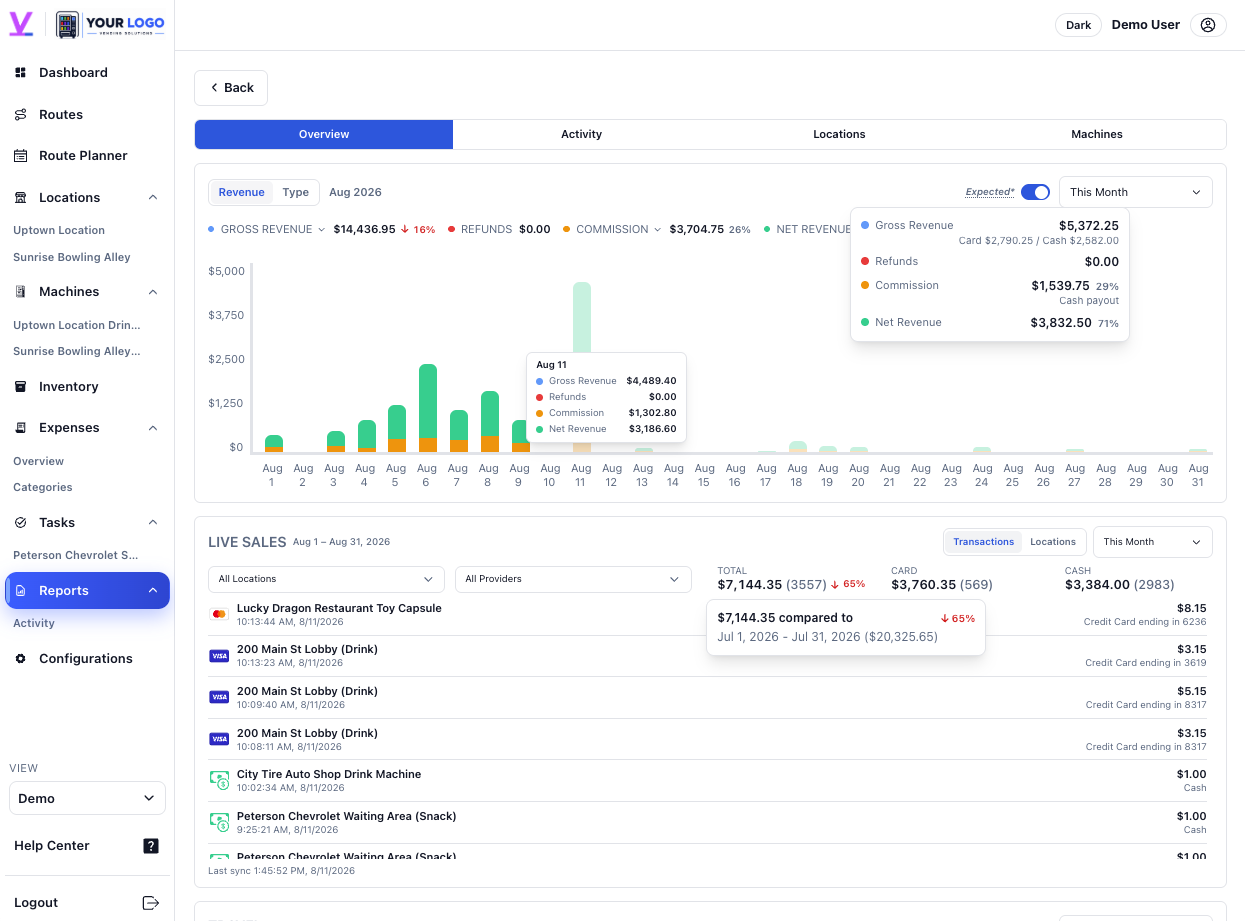 Reports & analyticsSee what shaped the result
Net revenue · +12.4%
Reports & analyticsSee what shaped the result
Net revenue · +12.4%
Review revenue, refunds, commission, locations, machines, and time periods with context intact.
Explore reports →At the location
Give approved contacts access to reports, activity, commission history, and upcoming work for their location.
Explore partner access →A machine-specific QR code gives each request the context needed to assign and resolve it.

Telemetry integrationsBring supported provider activity into the same operating view.



Create an account or talk to one of our experts.
FAQ
Explore Vendistri with full access for 14 days. Your paid billing cycle begins after the trial unless you cancel before it ends.
Yes. You can cancel, pause, or adjust your plan without a long-term contract.
Vendistri supports Nayax, Cantaloupe, and CPI integrations. Contact us about your provider if it is not listed.
Getting started is simple. Add your first location and machines, invite your team, and begin organizing work right away. You can connect supported sales providers whenever you’re ready.
Yes. You decide which location contacts can securely view shared reports, activity, and commission history.
Yes. Vendistri keeps routes, machines, tasks, sales, expenses, reports, and location relationships connected across the operation.