Daily Operations
Know what needs attention before the first stop
Bring assignments, priorities, task progress, and field updates into one connected view of the day.
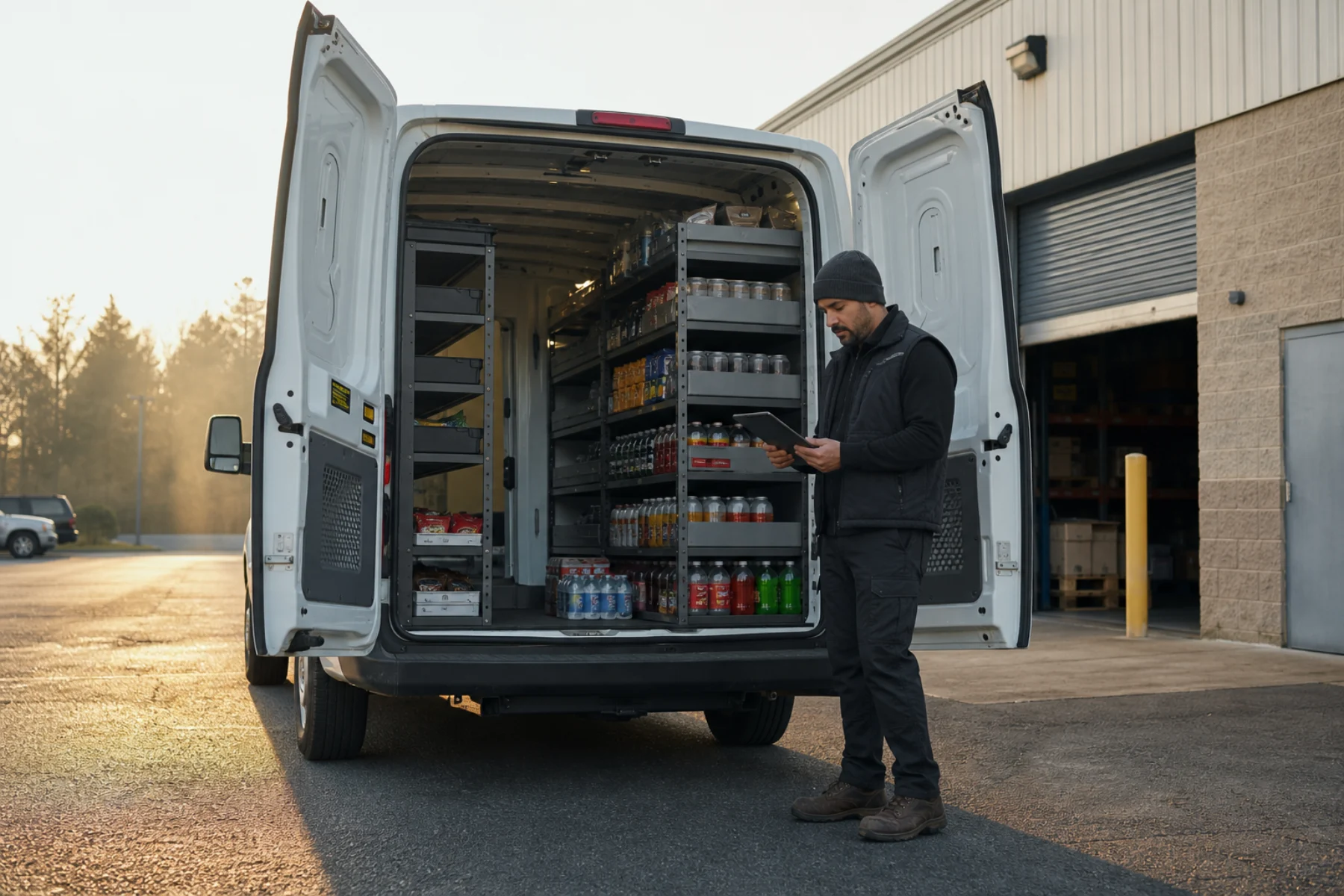
Daily Operations
Bring assignments, priorities, task progress, and field updates into one connected view of the day.
One operating view
Bring scheduled work, operator assignments, task progress, and current operating context together before anyone leaves for the first stop.
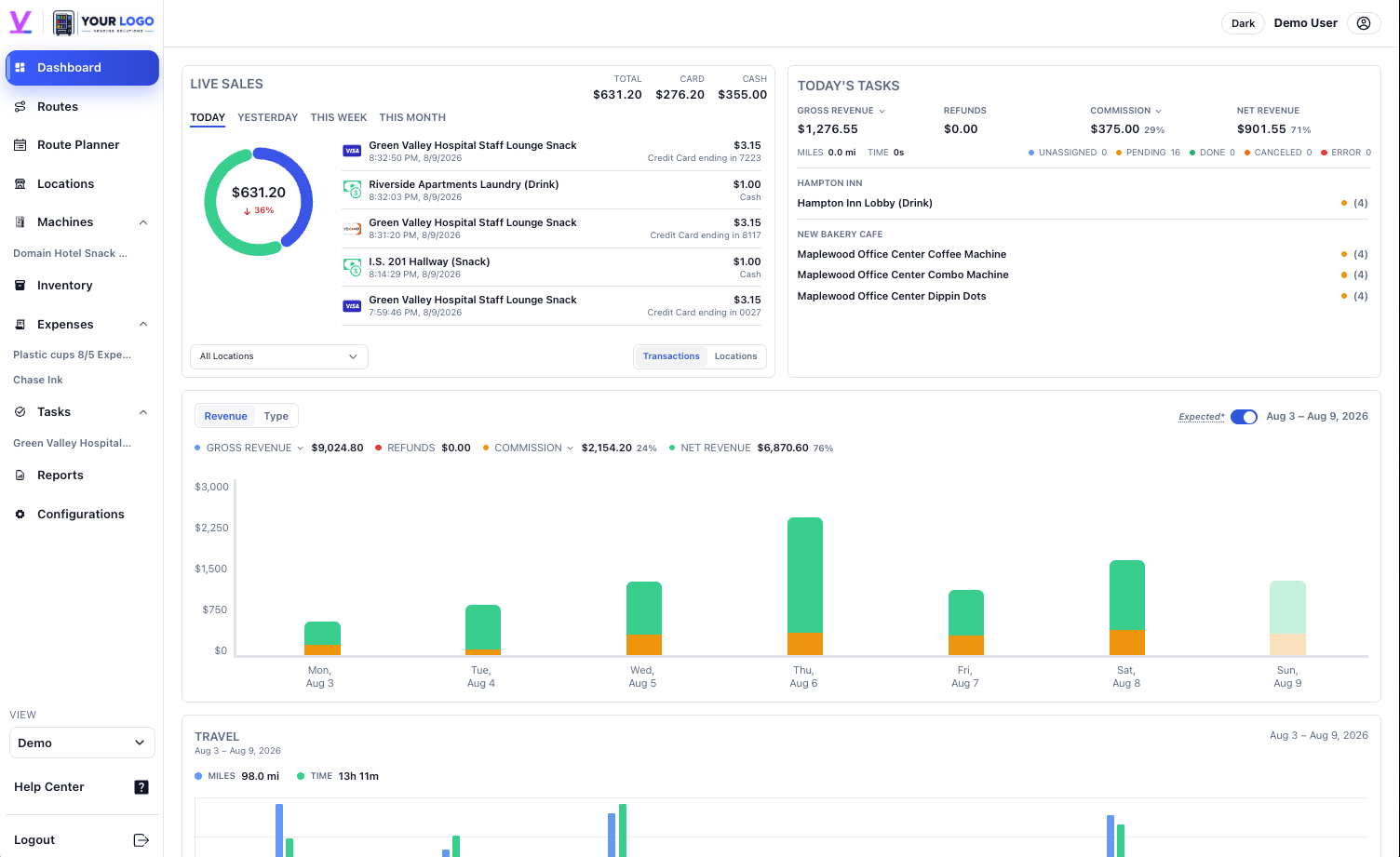

A clearer morning handoff
Daily Operations is where the work becomes concrete. Pair the queue with live sales context, machine details, location history, and the operator responsible for the next action.
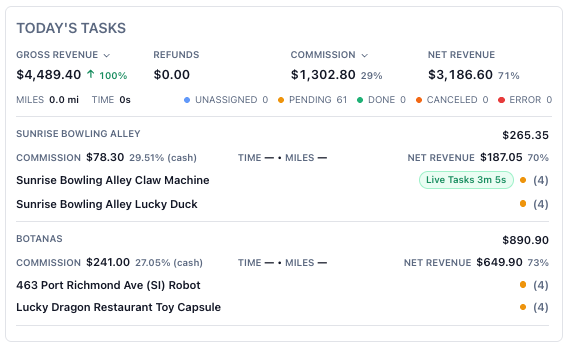
Today's work
Review work due today while keeping revenue, commissions, refunds, and net results close to the tasks behind them.
From priority to proof
Set the work, operator, location, and machine.
Use current sales, timing, and service context.
Capture status, notes, inventory decisions, and photos.
See what moved forward and what still needs attention.
iOS and Android
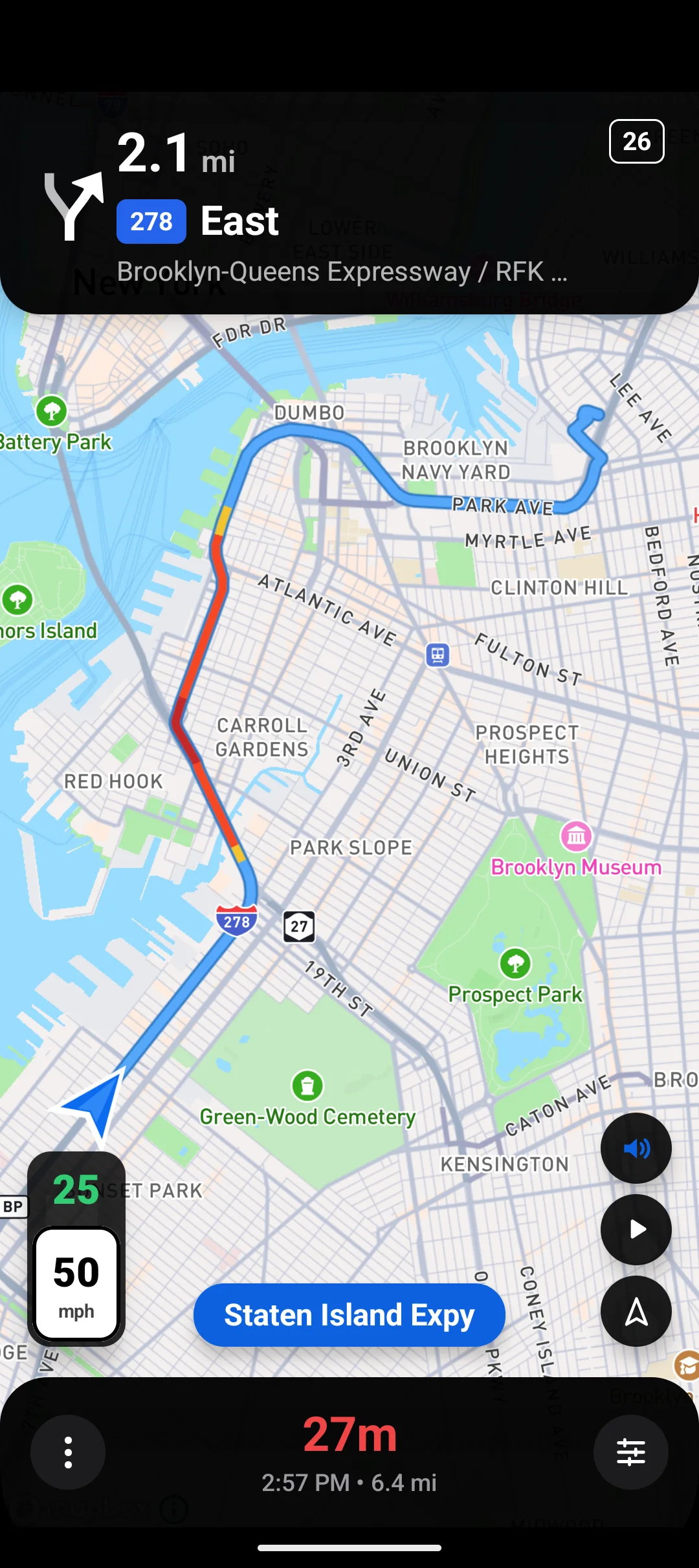
Give operators route summaries, navigation, arrival workflows, refill decisions, notes, and task updates away from the desk.
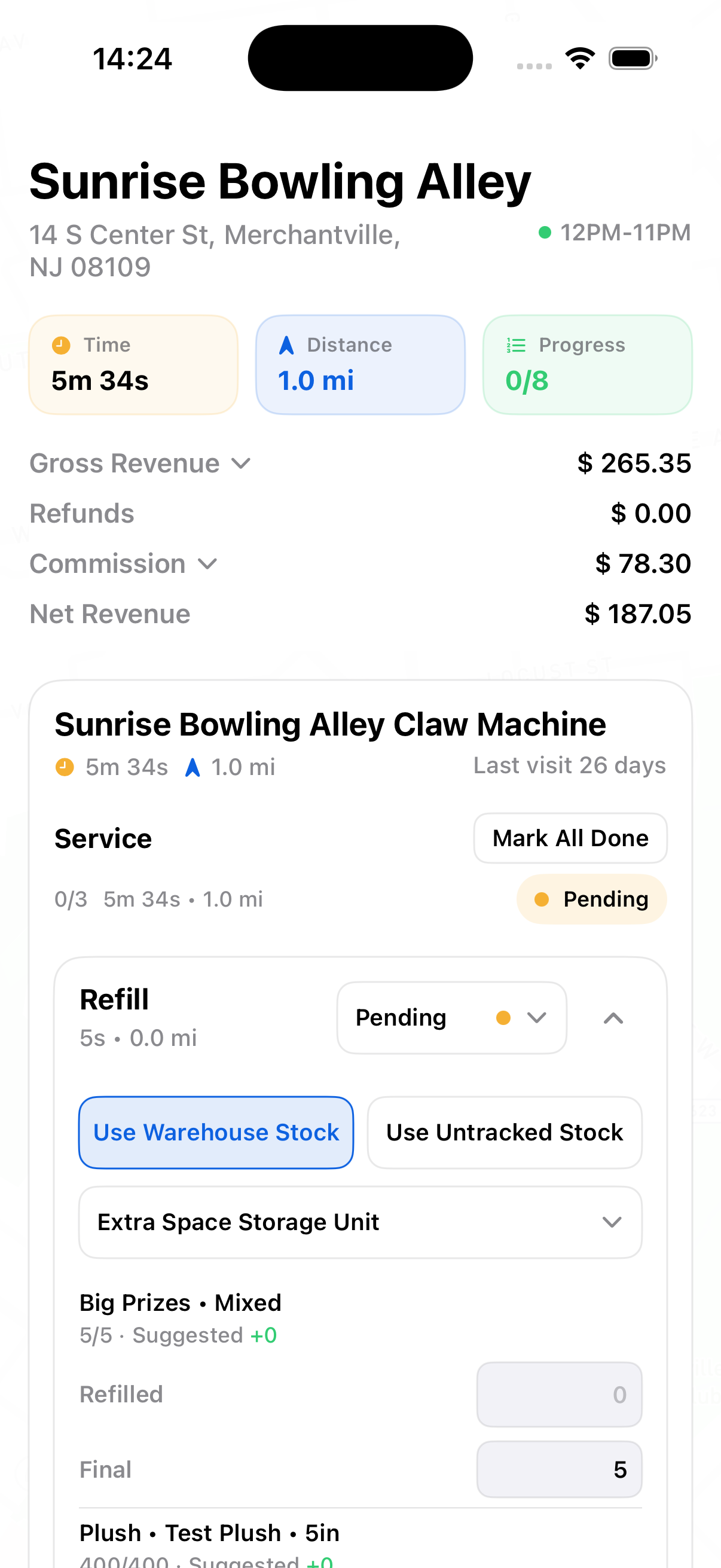
Proof from the stop
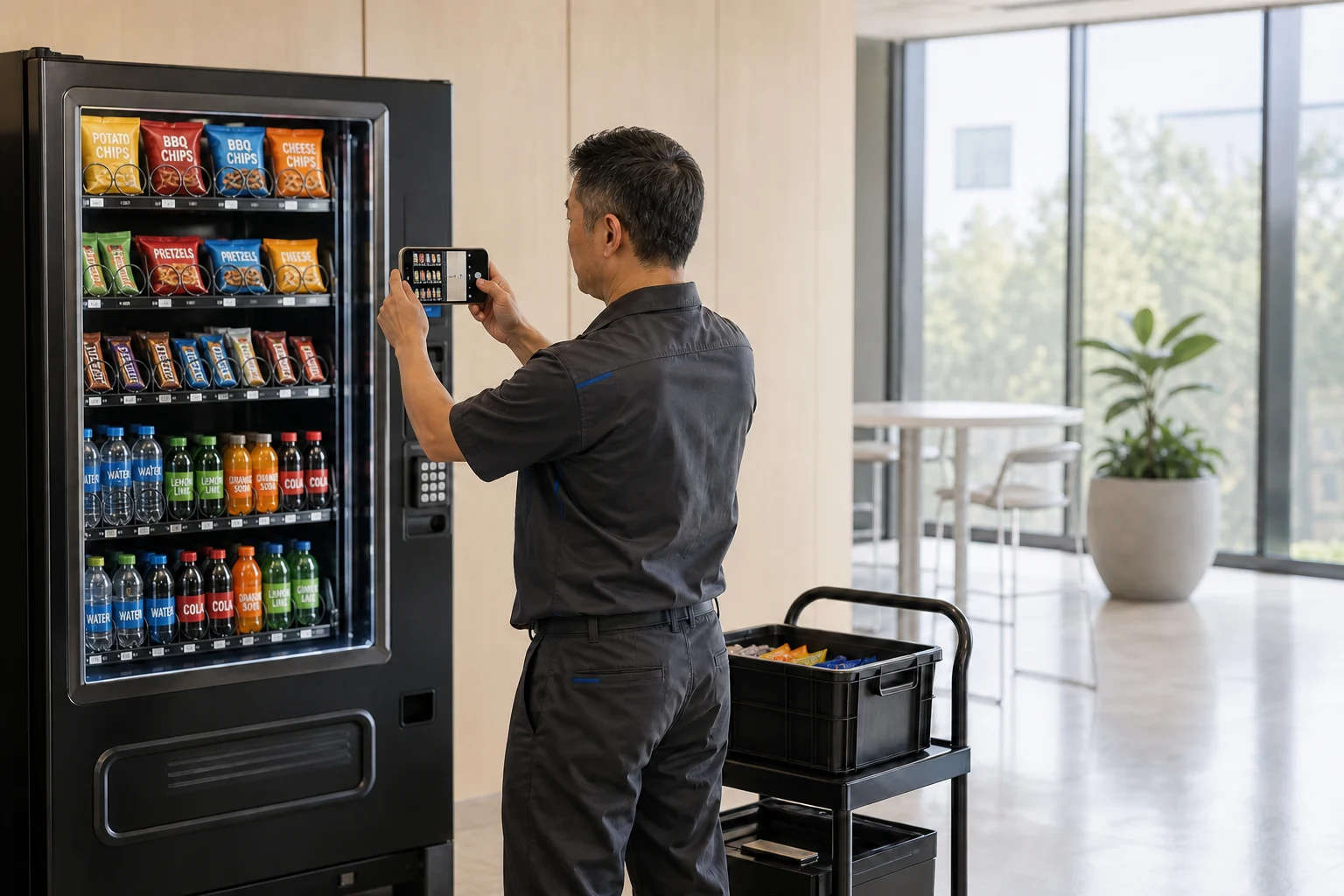
Arrival status, refill decisions, notes, and photos stay connected to the work instead of disappearing into texts or a paper route sheet.
Connected across Vendistri
One continuous workflow
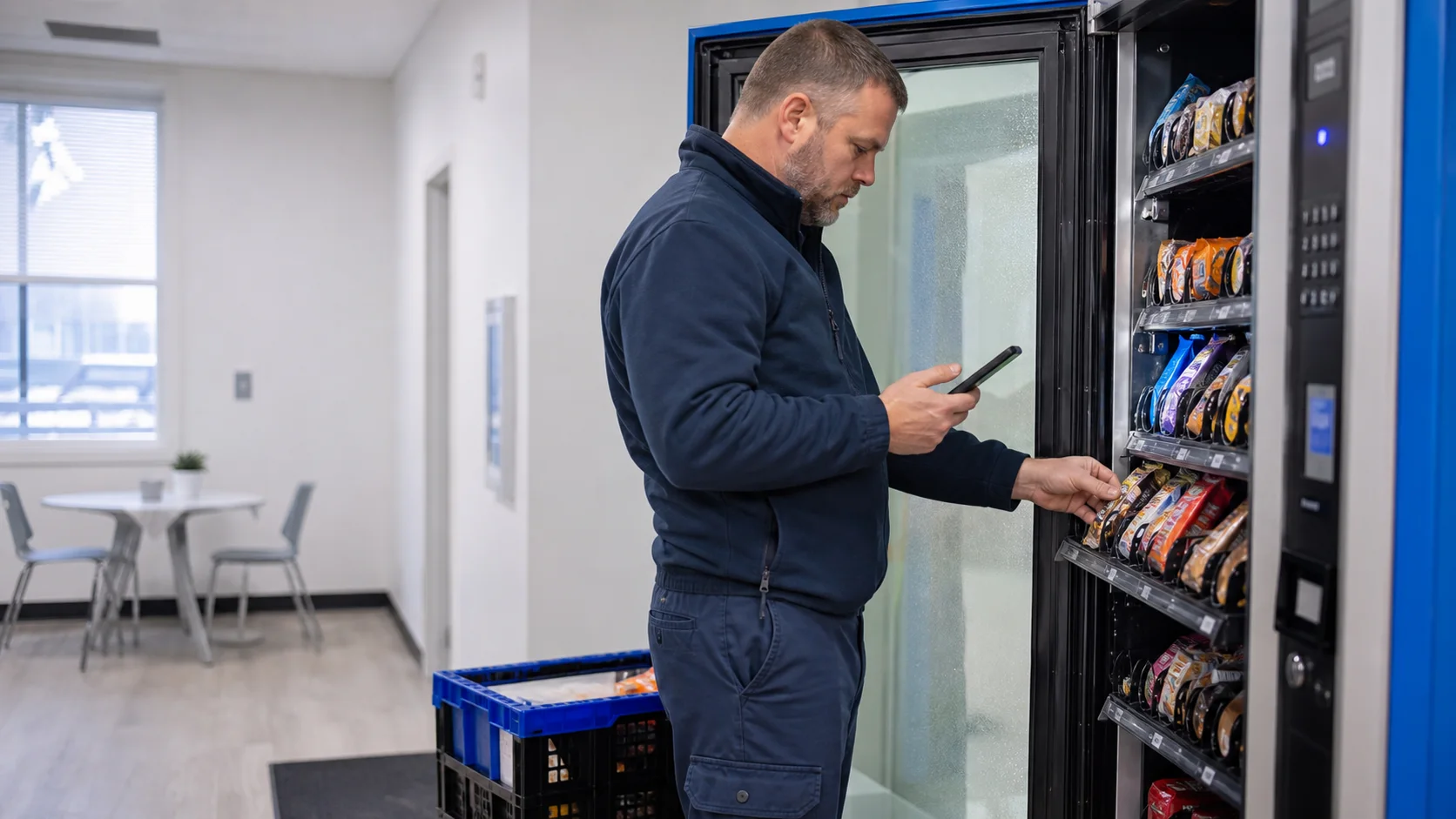
Dispatch sets the plan, operators capture progress in the field, and the office sees what happened without chasing updates.
Create an account or talk to one of our experts.
FAQ
Vendistri brings upcoming assignments, task status, location and machine context, and current operating activity into one workspace so owners and operators can identify what needs attention before dispatch.
Yes. Scheduled work stays connected to its operator, location, machine, and underlying task details, so teams can adjust assignments without rebuilding the context around the stop.
Operators can review assigned stops, start route navigation, follow the arrival workflow, record inventory decisions, add notes and photos, and update work from supported iOS and Android devices.
Vendistri can use permitted mobile location data to support GPS-backed navigation, route activity, time, and distance context. Device location access remains under the operator's control.
Tasks remain tied to the relevant locations and machines, while supported telemetry and inventory workflows provide the current context teams use to prioritize collections, refills, and service work.
Field updates, task status, notes, and photo proof can flow back into the shared workspace, giving owners a clearer view of completed and outstanding work.